A Booking Form Is Not the Operating System: Booking, Fleet and Admin as One Product
First-hand note from delivery work — written against a real shipped project constraint, not a generic tutorial outline.
- Author
- Shafin Sadnan
- Publish date
- Latest update
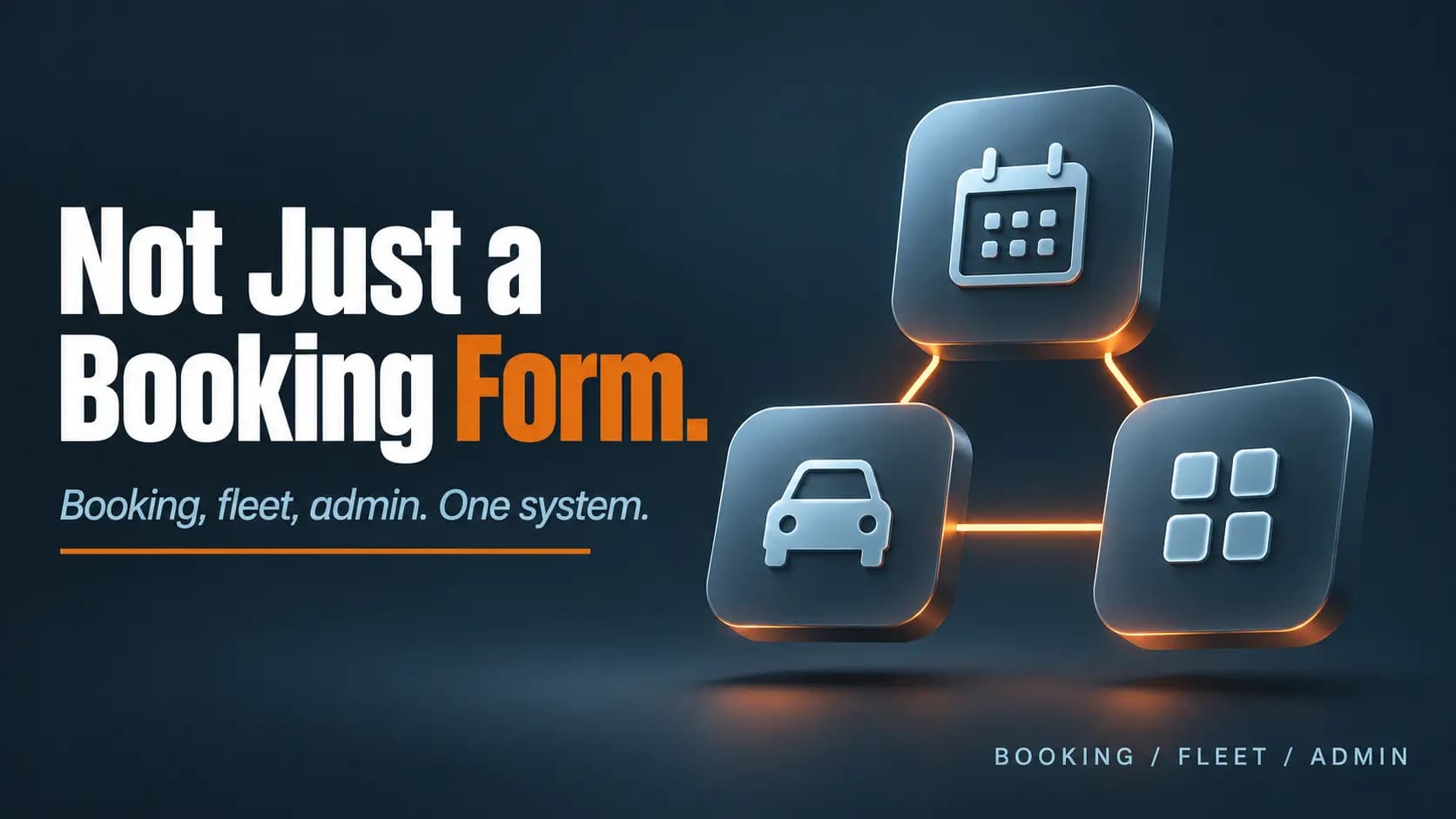
Table of contents (27)
- The decision problem
- customer-facing booking behavior;
- internal and admin visibility into what was booked and what happens next;
- fleet or resource context for who or what can fulfill the work;
- a data model that can survive more than a plugin-shaped exception list.
- Why a booking form is not the whole system
- Source-of-truth design
- Customer booking state: what the customer requested and what they can see.
- Internal and admin state: what the team uses to operate the job.
- Resource and fleet state: what capacity exists to fulfill the work.
- Workflow architecture shape
- When custom application logic becomes justified
- Trade-offs
- Staying on a form or plugin-shaped setup
- Faster to start.
- Weaker when admin, resource and customer states diverge.
- Risk of encoding real operations in side channels.
- Moving to a custom product foundation
- Better fit for booking, admin and fleet as one system.
- Requires intentional data migration and verification.
- Should not invent outcome claims; shipped workflows are the proof.
- Truthful project example: TiresDash
- customer-facing application in [Next.js](https://nextjs.org/docs)/TypeScript with supporting backend services;
- booking flows for customer and business use cases;
- fleet and vehicle-management plus supporting admin and business workflows;
- migration of relevant WordPress/MySQL data into a [MongoDB](https://www.mongodb.com/docs/manual/core/data-modeling-introduction/) application data model where required.
- Implementation considerations
Key takeaway
Why booking state, admin handoffs and fleet visibility often outgrow a basic booking form, and when custom application logic is the clearer foundation.
A “booking feature” is easy to underestimate.
From the customer side it can look like a form and a confirmation. From the business side it is often a chain of states: request, assignment, resource availability, internal visibility and follow-through.
When those internal responsibilities grow, the question stops being “Can we embed a booking widget?” and becomes “What is the source of truth for this operating workflow?”
The decision problem
A basic booking flow usually owns a narrow public action. An operational booking product often needs:
- customer-facing booking behavior;
- internal and admin visibility into what was booked and what happens next;
- fleet or resource context for who or what can fulfill the work;
- a data model that can survive more than a plugin-shaped exception list.
Those are not the same engineering problem. Treating them as one “form” creates hidden workflows, duplicated records and brittle admin workarounds.
Why a booking form is not the whole system
A public booking form answers: can a customer request a time or service? It does not automatically answer:
1. Where does booking state live after submit?
2. Who on the team sees and acts on it?
3. How are vehicles, technicians or other resources represented?
4. What is authoritative when customer-facing status and internal status disagree?
5. Which rules belong in the product vs in a spreadsheet or chat thread?
If those questions matter daily, the system boundary is already larger than a form.
Source-of-truth design
A useful architecture starts by naming sources of truth.
- Customer booking state: what the customer requested and what they can see.
- Internal and admin state: what the team uses to operate the job.
- Resource and fleet state: what capacity exists to fulfill the work.
These can share one application data model, or they can be split across tools. The failure mode is pretending a CMS form submission is enough when the business already behaves like a product with multiple actors and states.
Workflow architecture shape
A coherent booking and operations product usually has three connected surfaces:
1. Customer surface: request and track the booking-relevant experience.
2. Admin and business surface: review, manage and operate around customer activity.
3. Fleet and resource surface: represent vehicles or fulfillment capacity where the business depends on it.
The implementation detail changes by stack. The architectural question does not: do these surfaces share a product model, or are they loosely glued afterthoughts?
When custom application logic becomes justified
Custom application logic becomes easier to justify when:
1. Booking behavior is central to operations, not a simple calendar embed.
2. Staff need an admin experience shaped around how they actually work.
3. Fleet or resource assignment is part of fulfilling the job.
4. Business rules keep accumulating as exceptions around a CMS/plugin model.
5. Existing data still matters and must move with the product, not be abandoned.
Custom is not automatically better. It is clearer when the website has become an operational product. When WordPress or another CMS still fits a content-centric job, keep it. When the painful part is isolated, fix that layer. The keep/fix/rebuild framing is written up in WordPress vs. a Custom Web Application.
Trade-offs
Staying on a form or plugin-shaped setup
- Faster to start.
- Weaker when admin, resource and customer states diverge.
- Risk of encoding real operations in side channels.
Moving to a custom product foundation
- Better fit for booking, admin and fleet as one system.
- Requires intentional data migration and verification.
- Should not invent outcome claims; shipped workflows are the proof.
Truthful project example: TiresDash
TiresDash needed more than a brochure-style website. The product context included appointment booking, fleet-related functionality and supporting admin and business flows.
The verified modernization direction moved from an existing WordPress and booking setup into a custom full-stack application built around those operational needs:
- customer-facing application in Next.js/TypeScript with supporting backend services;
- booking flows for customer and business use cases;
- fleet and vehicle-management plus supporting admin and business workflows;
- migration of relevant WordPress/MySQL data into a MongoDB application data model where required.
The evidence boundary used here is the shipped functionality after cutover, not an unverified conversion, retention, time-saved or revenue claim.
Full project write-up: TiresDash WordPress-to-custom modernization.
Implementation considerations
If you are evaluating a similar move, define:
1. Which booking states are customer-visible vs internal-only.
2. Which resource objects must exist in the product: fleet, staff, locations, inventory, only what is real.
3. What admin actions are mandatory on day one vs later.
4. What existing data must migrate versus what can be retired.
5. How you will verify the operating path after cutover without inventing marketing metrics.
If your booking flow is starting to look like an operations product, customer state, admin handoffs and resource visibility, send the current workflows and what must stay intact — start a project. See also web development services.

Working through something similar?
Send context from this note and I will reply with a practical next step.
Discuss this topicSee related case studyProduct engineering servicesAlready built and live?